幫助 & 支援
尋找指南、技巧和常見問題解答,充分利用AB。按主題瀏覽或搜尋您需要的內容。

MCP Tools Reference
Reference for the 17 AB Projects MCP tools — project, task, schedule, and Documents (Wiki) — that let AI assistants read and change your work, with every change recorded in history and posted to the linked Teams channel.

Why AB Projects Requires Microsoft Graph Permissions
The Microsoft Graph API permissions AB Projects uses and why — covering Teams channel linking and roster sync, posting task activity and syncing thread replies, Outlook calendar scheduling, and Microsoft SSO. The Entra app registration / consent screen is the authoritative list.
Who Can See What?
Visibility in AB Projects is membership-based: every project member sees all of the project's tasks, comments, subtasks, and history. Roles (Owner/Admin/Member) control management, not visibility — there is no private-task or read-only tier. Confidentiality is done via separate channels.
SSO and Microsoft Login
AB Projects uses Microsoft SSO (Microsoft Entra ID) for password-free sign-in with your Microsoft 365 account. No separate password and no per-user license to assign; project access follows your Teams-channel membership.
Managing Subscriptions & Billing
How AB Projects pricing works: a free tier (up to 10 users), Team ($5) and Business ($10) per active user per month, and custom Enterprise. Access is via Microsoft SSO and Teams-channel membership — there is no Microsoft 365 license to assign. See actionbridge.io/pricing for current details.
Built-in Automation
AB Projects automates the routine work out of the box — status-driven progress, subtask roll-up, automatic Teams updates, channel-driven membership sync, and the scheduled digest. There is no custom if-this-then-that rule builder; this article explains what runs automatically.
Gantt Chart View and Timeline Tracking
Learn how the AB Projects Gantt view works: tasks with start/due dates shown as status-colored bars with progress, today and weekends highlighted, overdue styling, click to open the detail panel to change dates (logged with a reason), and filtering via the shared filter panel.
Daily Digest and AI Assistance
How AB Projects helps daily: a per-user digest of your top open tasks (email/Teams, in Settings → Task Reminders), an AI summary on each task, AI-suggested subtasks you confirm before creating, and MCP AI assistants with clear AI disclosure.
Notifications and Reminders
How notifications work in AB Projects: real-time Adaptive Card activity and @mentions in the linked Teams channel, plus a per-user scheduled digest of your top open tasks by email and/or Teams direct message, configured in personal Settings → Task Reminders.
Commenting with Mentions in Channels
Learn how task comments in AB Projects work with Microsoft Teams. Mention members with the chip picker to @mention them in the channel post, every comment posts to the linked Teams thread, and replies in Teams sync back to the task.

Managing Project Settings
Learn how to manage AB Projects project settings: name, description, icon, perma name, estimate unit, task workflow (statuses, types, environments), GitHub integration, the Microsoft Teams link, and ownership, leaving, and deletion.
Role-Based Access Control
Learn how roles work in AB Projects. Every member is an Owner, Admin, or Member; new members join as Member by default. Admin and Owner control members, the Teams link, and workflow configuration, all scoped per project.
Adding or Removing Members
Learn how members are added to and removed from an AB Projects project. Membership follows the connected Microsoft Teams channel: people auto-join when they open the tab, Owners/Admins can invite from the channel roster, and roles are Owner, Admin, and Member.
Understanding Projects and Teams
How projects and Microsoft Teams fit together in AB Projects: a project is a scoped workspace linked to one Teams channel, its members auto-synced from that channel, with Owner/Admin/Member roles. Users belong to many projects and switch via the Projects tab.
Inviting Team Members via Microsoft Teams
AB Projects onboards your whole team through Microsoft Teams automatically: once the AB Projects tab is connected to a channel, every channel member is added to the project and kept in sync — no one-by-one email invites. Admins can also manually invite specific channel members.
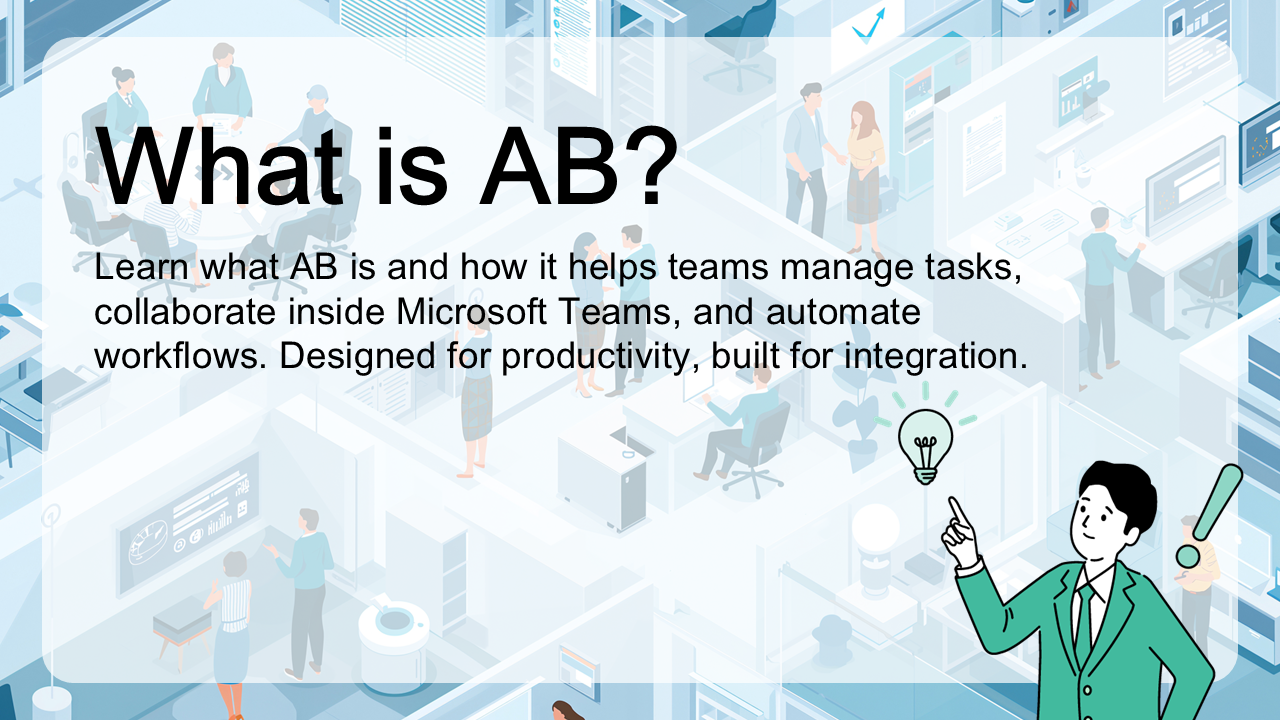
What is ActionBridge?
ActionBridge is the action-management platform for your whole company — built inside Microsoft Teams and around your AI agents. It ships today as AB Projects, the first of a growing family (AB Sales, AB HR, AB Learning Management, and more) designed to keep every team moving work forward.