Help & Support
Find guides, tips, and answers to get the most out of AB. Browse by topic or search for what you need.
Total 2 articles.
Currently on page 1 of
/ 1
Who Can See What? (AB Sales)
Visibility in AB Sales is workspace-based: every workspace member sees that workspace's whole pipeline, each workspace's data is isolated, and roles (Owner/Admin/Member) control management, not visibility.
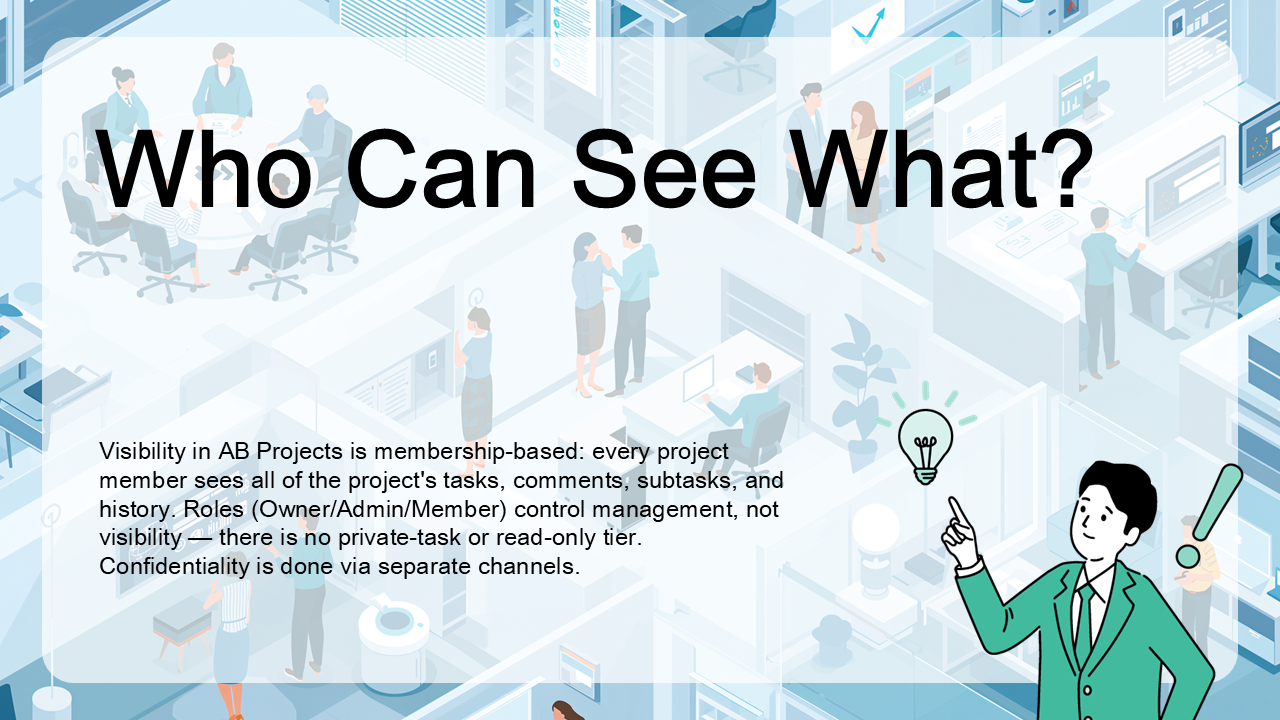
Who Can See What?
Visibility in AB Projects is decided by project membership: every member sees all of the project's tasks, comments, subtasks, and history. Roles (Owner/Admin/Member/Viewer) control what you can change, not what you can see — there are no private tasks. To hide work, use a separate channel and project.
Category
Tags
Search History
board view
7401
project summary export
1336
project updates
1331
ActionBridge
1296
Teams project roles
1262
project configuration
1243
project roles
1243
install in Teams
1202
Microsoft Teams task management
1201
ACTIONBRIDGE task creation
1192
assign task
1192
one channel per project
1189
RBAC
1188
AI support
1186
ACTIONBRIDGE project settings
1184
task deadline notification
1184
filters
1177
permissions
1174
task management
1174
Microsoft 365 app
1172
collaborative task tracking
1167
in-app messages
1166
task workflows
1165
work planning
1165
reminder timing
1164
project member communication
1159
AB
1151
ACTIONBRIDGE notifications
1139
Teams collaboration
1133
monthly charges
1130