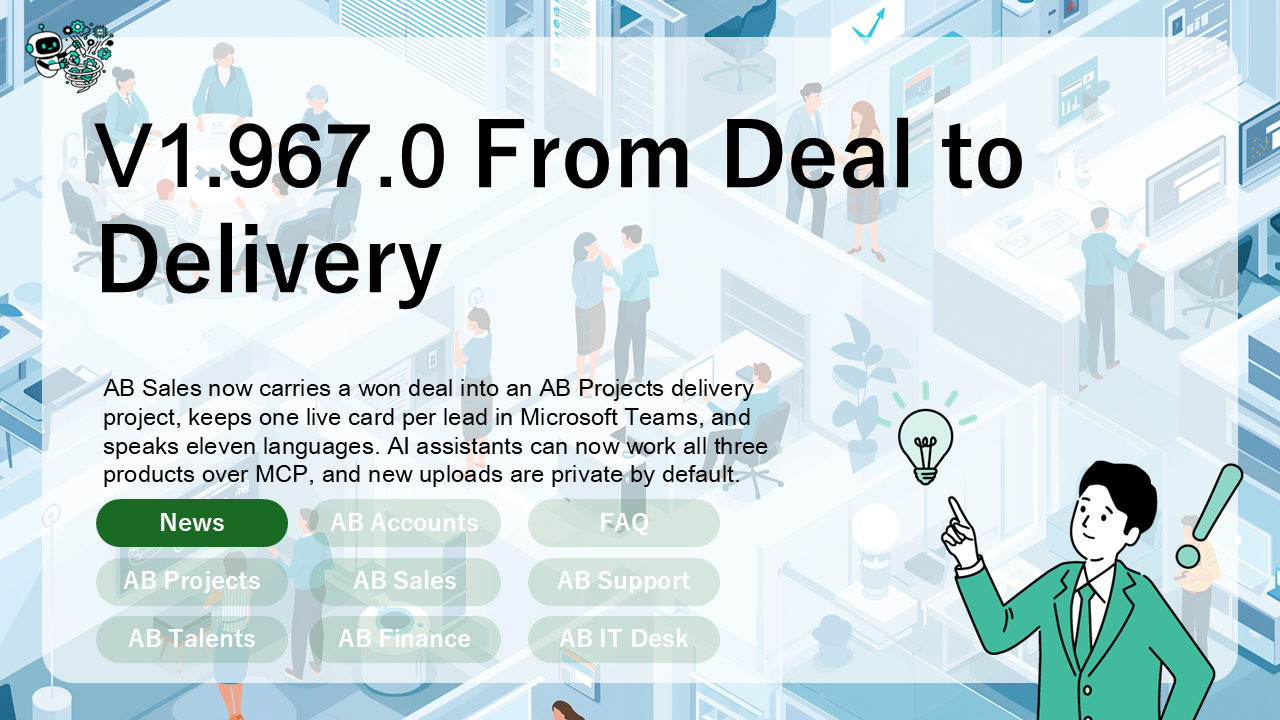
Since 1.908.0, AB Sales has learned to carry a deal all the way into delivery: line items, a one-click handover to AB Projects, and a Microsoft Teams card per lead that keeps itself up to date. It now speaks eleven languages. AI assistants connected over MCP can work all three products, and new files you upload are private by default.
From a won deal to a delivery project
- Deals carry line items. Product, quantity and unit price. Once a deal has lines, its amount is their total. A deal without lines keeps the amount you typed.
- Start delivery project. From a deal, create a new AB Projects project named after it, or add to one you’re already in. Each line item becomes a task, unassigned and in the project’s first open status. The deal then links to its project.
Leads that know where they are
Every lead can carry its country, language and time zone. You can set them in the lead form, in CSV import (three new columns at the end, so older files still import), or over MCP.
One card per lead in Microsoft Teams
The AB Sales bot posts one card per lead and updates it in place, instead of posting a new card for every change. It posts as AB Sales, so it works in channels where only AB Sales is installed. A CSV import posts one summary, and the card opens the lead in AB Sales.
AB Sales in eleven languages
Korean, Simplified and Traditional Chinese, German, French, Spanish, Portuguese, Russian and Arabic join English and Japanese.
AI assistants work all three products
The AB Projects MCP server now has 52 tools (actionbridge.io/mcp).
- AB Support desk triage. List desks, read tickets, change a status (with a reason), add internal notes and look up the customer. Replying to a customer is deliberately not available.
- AB Sales lead labels. List, create, rename, recolour and archive.
- Built for people in a lot of projects. Projects past your hundredth are no longer refused as “not a member”. Every project, workspace and desk is listed. Long task lists say “Showing 30 of 57” and take a
limit.
Your files are private by default
New uploads are private. Images appear through links signed for people in that workspace, which expire within two hours, and a signed link is never stored with your content. Uploading requires a sign-in for that workspace and a real image. The few images meant for people without an account — avatars on Teams cards, images in AB Sales email templates, the AB Support widget icon — live in a separate public store. Images already uploaded keep working as before.
The bots know where to look
- AB Projects. The personal-chat overdue, deadline and today cards now cover every project you’re in.
- AB Sales and AB Support. In a personal chat, they answer from the same workspace or desk every time: your starred one first, then the top of your list.
The quiet fixes
- The AB Support ticket reminder email includes every desk you’re in.
- The AB Sales header stays put between tabs, and the workspace ID in Settings is copyable.
- The MCP server’s local (stdio) mode reaches your data again.
- AB Support uses one Japanese word for a customer transaction throughout.
As always, AB Projects, AB Sales and AB Support update automatically — nothing to install. If anything looks off after the new version lands for you, the team is only a message away.