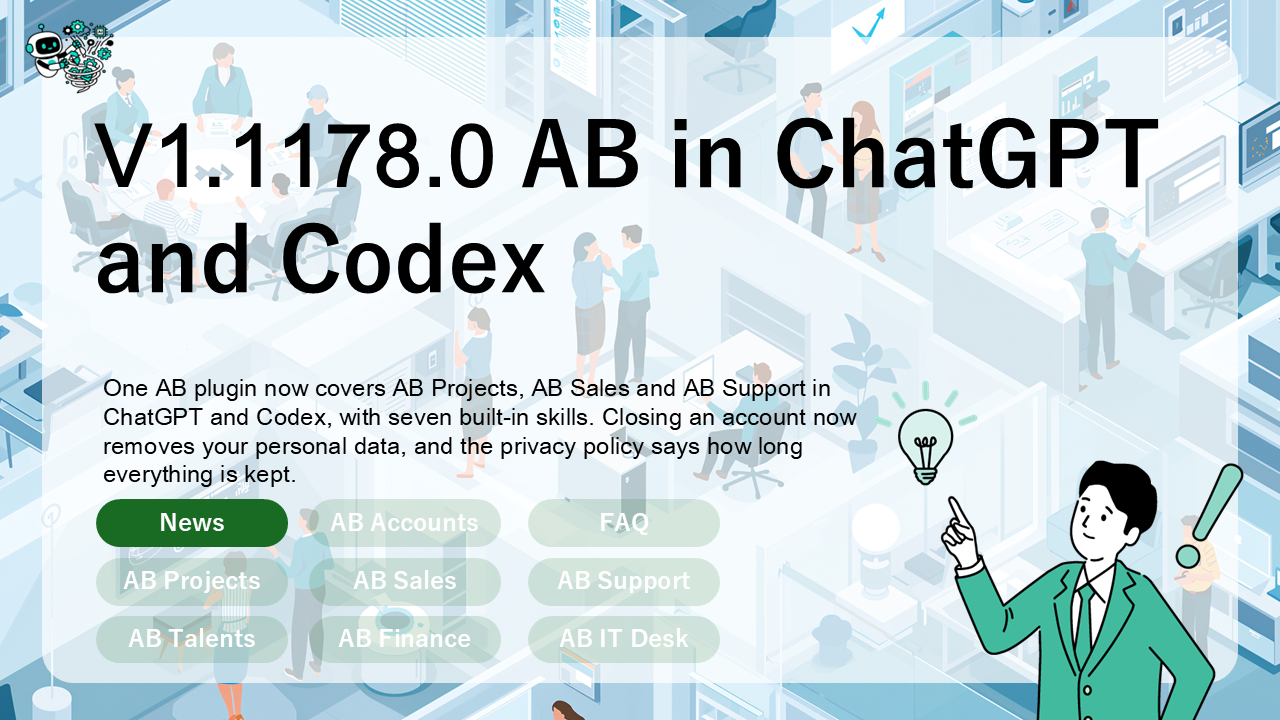
Since 1.1168.0, one AB plugin covers AB Projects, AB Sales and AB Support in ChatGPT and Codex, with seven built-in skills for the work people ask for most. Closing an account now removes your personal data, and our privacy policy now says how long we keep each kind of information.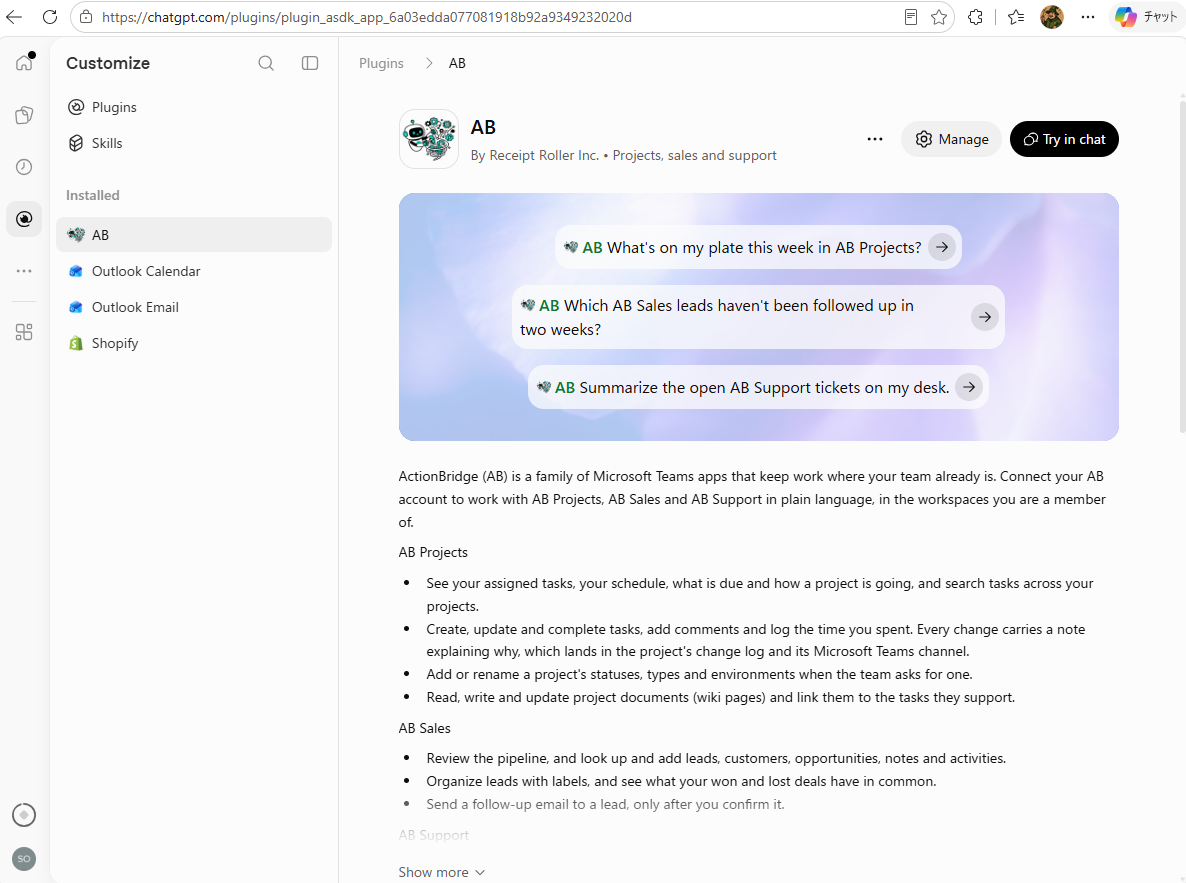
One plugin for the whole AB family
The plugin that was listed as AB Projects is now simply AB, with one connection to all three products. Sign in with your Microsoft account, and you work only in the projects, sales workspaces and support desks you are already a member of.
- AB Projects: see what’s due, create and complete tasks, log time, and read and write project documents.
- AB Sales: review the pipeline, add and organize leads with labels, and see what your won and lost deals have in common.
- AB Support: read and triage tickets, check how the desk is doing, and keep the knowledge base up to date.
Find it at AB in the ChatGPT plugin directory. If you already use it, the new tools are there the next time you connect.
Seven skills, ready to use
The plugin brings skills for the jobs teams repeat: daily standups, weekly reviews, task management, project documents, pipeline reviews, lead intake and lead outreach. Try asking:
- “What’s on my plate this week in AB Projects?”
- “Which AB Sales leads haven’t been followed up in two weeks?”
- “Summarize the open AB Support tickets on my desk.”
You stay in control
- Nothing reaches a customer by surprise: a follow-up email to a lead goes out only after you confirm it, and support replies stay as drafts for an agent to review.
- Every change has a reason: task changes carry a note that lands in the change log and the project’s Microsoft Teams channel, and ticket changes need a recorded reason.
- Clearer labels on changes: completing a task or activity, unlinking a document and updating a ticket are now marked as changes to existing work, so an assistant can treat them with more care.
- Plan limits, explained: when your organization reaches a limit, your assistant now explains it and points you to your admin.
Your data, more clearly
- Closing an account removes your personal data: your name, email address and sign-in details are removed, you leave your projects, and any AI assistant connected to your account loses access. Comments and task history stay for accountability, and may still show the name you had when you wrote them.
- Retention periods, in writing: our privacy policy now says how long each kind of information is kept, and what is shared with an AI assistant you connect.
As always, AB updates automatically — nothing to install. If anything looks off after the new version lands for you, the team is only a message away.